
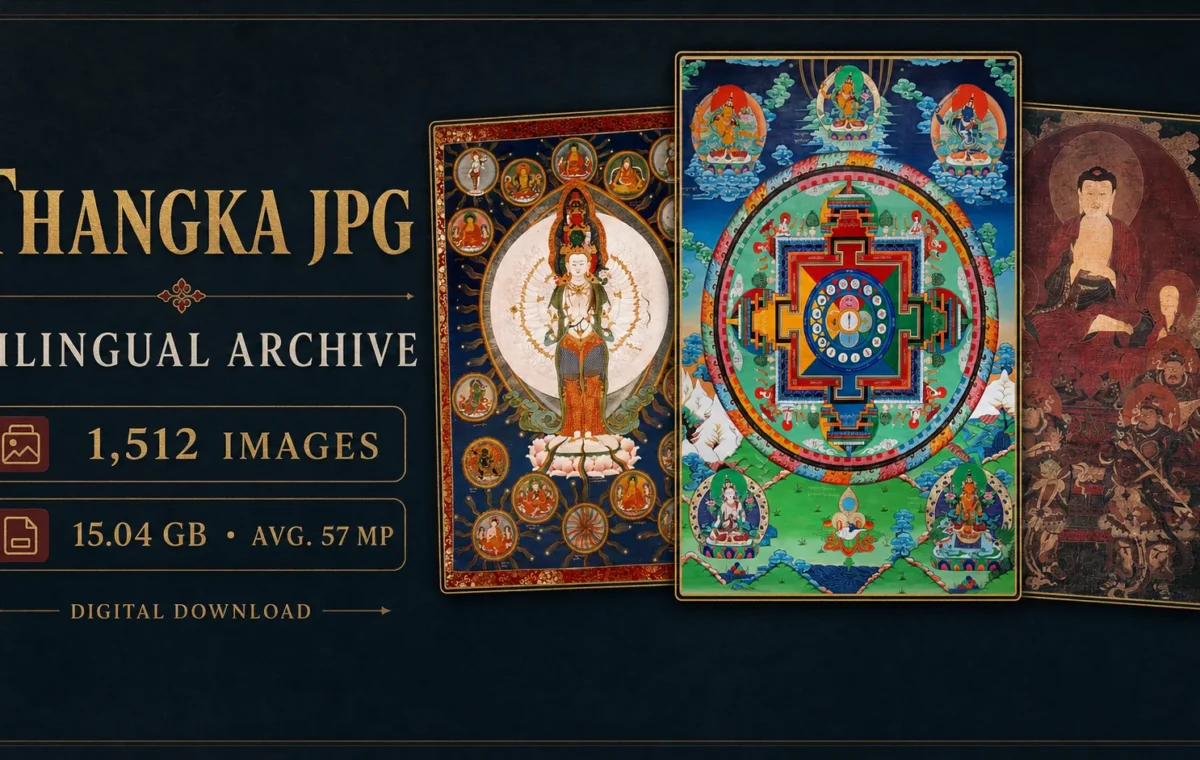
Choose JPG when you want a compact thangka image library that opens easily on everyday devices. Choose TIF when you need substantially larger files for close inspection, professional imaging work or long-term archiving. The decision is not about which format is universally “better.” It is about balancing image information, storage, software compatibility and the way you plan to use the files.
JPG and TIF at a glance
| Question | JPG | TIF |
|---|---|---|
| Typical strength | Small files and broad compatibility | Flexible high-quality raster storage |
| Compression | Usually lossy | May be uncompressed or use several compression methods |
| Browser support | Excellent | Limited; often requires image software |
| Best for | Browsing, learning, presentations and everyday reference | Close detail study, production workflows and archival masters |
| Storage demand | Lower | Much higher |
| Editing workflow | Use a copy and avoid repeated resaving | Well suited to retaining a larger working master |
What JPG does well
JPG is widely supported by browsers, phones, tablets, presentation software and image editors. Its compression can reduce a large photographic image to a practical file size, which makes a collection easier to store, preview, search and share between your own devices. For iconographic study, a good JPG can still show the central figure, attributes, gestures, surrounding deities and most compositional details clearly.
The main limitation is that common JPEG compression is lossy. Some image information is discarded to reduce file size. At sensible quality settings this may be difficult to notice at normal viewing size, but strong compression can create block patterns, ringing around fine lines and softened color transitions. Repeatedly opening, editing and saving a JPG can introduce additional loss. Preserve the original download and make edits on a separate working copy.
What TIF does well
TIFF is a tag-based wrapper for raster images. It can contain different color representations and different compression schemes, including uncompressed image data. The Library of Congress TIFF format description notes its wide use as a master format for scanned images and its support across professional imaging, desktop-publishing and scanning applications.
A TIF file is useful when the source has enough information to justify the larger size. Fine outlines, inscriptions, cracks, textile borders and subtle paint transitions can be easier to inspect when compression artifacts are minimized. TIF also allows room for technical metadata and color information, although the presence and quality of that metadata must be checked in each file.
The tradeoff is storage and convenience. TIF files may be many times larger than corresponding JPGs, are not natively displayed by every web browser and can be slow to copy or preview on modest hardware. A large archive needs both sufficient disk space and a backup plan.
Does TIF automatically mean more detail?
No. A file extension cannot create detail that was never captured. Converting a small or heavily compressed JPG into TIF produces a larger file but does not restore missing brushwork or color information. Resolution, focus, lighting, color management and the quality of the original capture remain decisive.
When comparing two versions of the same thangka, inspect the actual pixel dimensions and view the same small area at 100 percent. Look at fine gold lines, facial details, inscriptions and gradients. If the TIF reveals cleaner transitions or additional source pixels, the difference may matter. If both files originated from the same compressed image, the extra storage may offer little practical benefit.
Which format is better for studying thangka iconography?
JPG is enough for many identification tasks. You can compare body color, posture, mudras, ritual implements, lotus types, crowns, halos and the general hierarchy of surrounding figures. Its smaller size makes it easy to place several examples side by side.
TIF becomes more useful when the research question depends on a small detail: a tiny lineage figure, an inscription, a damaged attribute, a miniature scene or a boundary inside a complex mandala. Even then, the image should be checked against a reliable object record. High resolution supports observation; it does not prove identity, date, artist, school or provenance.
Which format is better for printing?
Printing depends on pixel dimensions, intended physical size, printer resolution, sharpening and color management—not the extension alone. Divide the image width in pixels by the intended pixels per inch to estimate print width. For example, a 6,000-pixel-wide image can produce a 20-inch print at 300 pixels per inch before cropping. This calculation says nothing about focus or source quality, so inspect the file at full size first.
Use the TIF when a print or production workflow benefits from the larger source file and your software can preserve its profile and bit depth. Use a high-quality JPG when the output size is moderate and convenience matters more. Always create output-specific copies rather than altering the only master file.
Storage planning for a complete archive
The TANGKAWORLD collections contain the same 1,512 thangka images. The JPG version is 15.04 GB and costs $9.99. The TIF version is 331.5 GB and costs $49.99. We recommend at least 16 GB of available storage for JPG and at least 350 GB for TIF so there is room for file-management overhead. A second copy on another drive or storage service is advisable for any archive you depend on.
| Collection | Images | Size | Price | Best fit |
|---|---|---|---|---|
| JPG | 1,512 | 15.04 GB | $9.99 | Study, reference and everyday viewing |
| TIF | 1,512 | 331.5 GB | $49.99 | Detailed research, printing and professional workflows |
You can compare both thangka download formats, delivery steps and storage requirements on the collection page.
A simple decision rule
- Choose JPG if you primarily browse, learn, compare figures, create notes or work on a laptop with limited storage.
- Choose TIF if you routinely zoom into minute details, prepare professional outputs or maintain a preservation-oriented image workflow.
- Choose neither solely because of the label. Confirm that your software, storage and research purpose justify the format.
Compression is only one part of the image pipeline
The quality you see depends on the entire chain: the original artwork, camera or scanner, focus, lighting, color conversion, sharpening, resizing, compression and display. A clean JPG made directly from a good capture can be more informative than a TIF created from an inferior source. Conversely, a carefully produced TIF may preserve subtle transitions that become rough or blocky in a heavily compressed JPG.
When evaluating files, look beyond smooth areas. Fine gold outlines, small inscriptions and the edges between saturated colors reveal compression damage more readily. View the same region at 100 percent and avoid judging from a fit-to-screen preview, because the viewer is resampling both files for display.
Color depth, profiles and metadata
TIFF can support workflows with higher bit depth and embedded color profiles, but a .tif extension does not guarantee that either is present. Inspect the file properties in software that reports bit depth, color space and ICC profile. If those fields are absent or the TIF contains ordinary 8-bit data copied from a JPG, the practical advantage may be limited.
JPG commonly stores 8-bit-per-channel images and can carry an ICC profile and EXIF or other metadata. Broad software support makes that information easy to use, but websites and messaging services may strip metadata or recompress the image during upload. Download from the original source when possible and preserve the unmodified file.
For visual research, metadata is helpful but not proof. Camera fields can describe the digital capture, not the date or authorship of the thangka. Historical claims should come from inscriptions, collection records, provenance and scholarship.
Run a small test before choosing a large archive
- Open a representative JPG and TIF from the same source in the software you actually use.
- Confirm that both files display correctly and that your system reports their pixel dimensions and color information.
- Compare a face, an inscription, a fine outline and a smooth color gradient at 100 percent.
- Time how long each file takes to open, zoom, copy and back up.
- Create one typical output, such as a research crop or print proof, and compare the result.
- Estimate the total storage needed for originals, working copies and at least one backup.
This test converts an abstract format comparison into a workflow decision. If the TIF reveals useful information and remains manageable, its storage cost may be justified. If both formats answer your research questions equally well, JPG may be the more efficient choice.
Plan backups, not just available space
Available space is not the same as safe storage. A 331.5 GB archive may require more than 700 GB when you include a second complete copy, working files and normal disk overhead. Keep copies on separate devices or services so a single failure does not remove both. Use consistent folders and avoid renaming originals without preserving a mapping to the catalogue.
Checksums can verify that a file copied without change. Backup applications may calculate them automatically; command-line and archival tools can also generate them. The goal is not technical complexity but confidence that a long transfer did not silently produce damaged files.
Editing without losing the master
Never perform destructive corrections on the only copy. Create a derivative for cropping, annotation, web display or printing. Record major edits such as contrast adjustment, color correction, sharpening and removal of borders. When a figure’s identity depends on a tiny attribute, preserve an unedited crop alongside the annotated version so another reader can evaluate the same evidence.
Repeated JPG resaving should be minimized because each lossy encoding can add damage. A TIF working master can be useful in an editing pipeline, while JPG derivatives remain convenient for sharing and screen review. This is a workflow advantage, not a claim that every delivered TIF contains more original information.
Related thangka study guides
Begin with What is a thangka?, then use the beginner’s visual-reading guide. For research practice, continue with studying thangka iconography in high-resolution images and evaluating high-quality thangka download sources.